Crop Goblin
$0 forever
- Every annotation tool
- Shiny GIF and video exports
- Copy, save, or drag anywhere
- The Pearl frame, with a tiny engraved wordmark
Crop Goblin is a tiny menu bar app for Mac. Press Shift-Command-2⇧⌘2, grab any bit of your screen, mark it up with arrows and text people can actually read, then turn it into a holographic trading card.
Launching soon on the Mac App Store. One email on launch day, then the goblin forgets you.
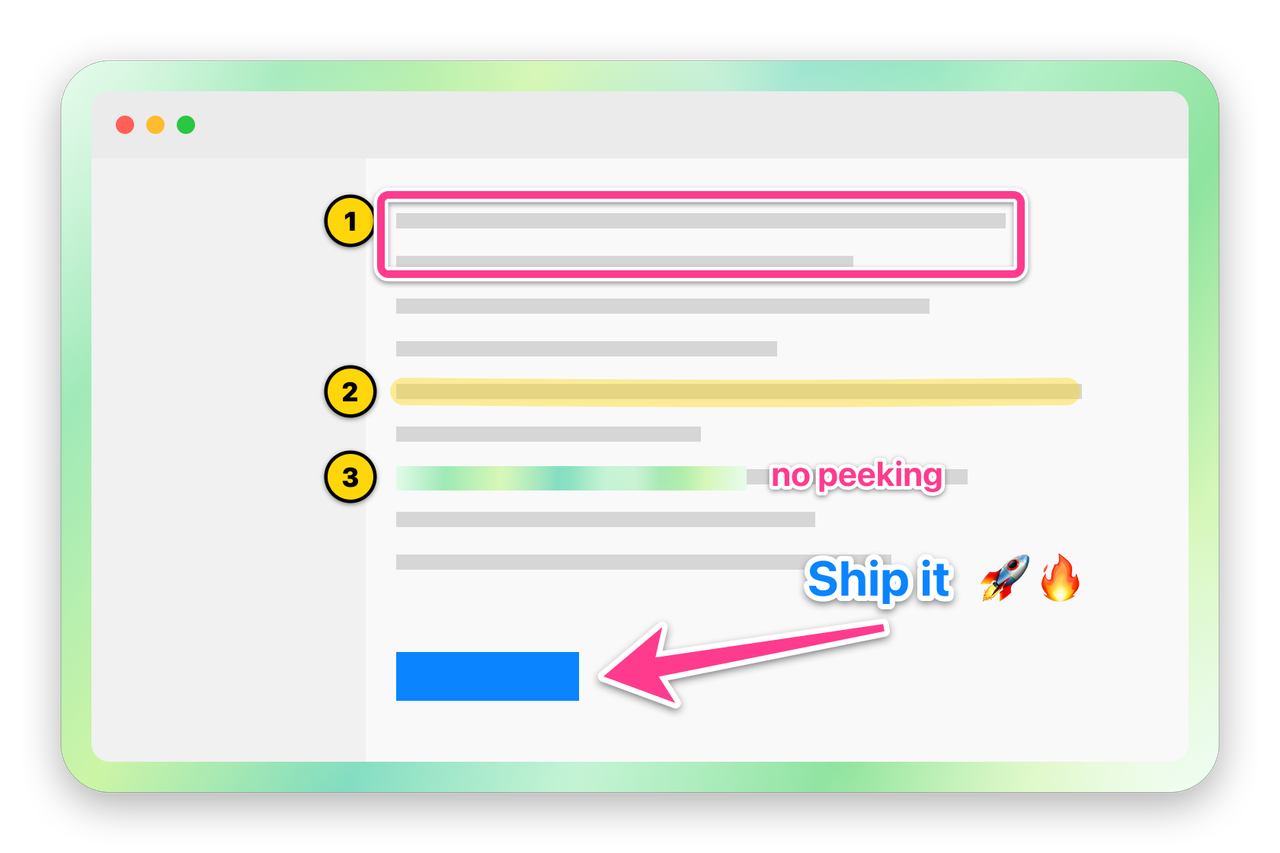
How to take a screenshot on your Mac and mark it up, from shortcut to Slack.
Your screen freezes. Drag across anything, or click a window to grab just that window, transparent corners and all.
Arrows, boxes, numbered steps and bold text with a contrast outline, so it’s readable on anything: light apps, dark apps, busy photos.
Return copies and closes. ⌘S saves a PNG. Drag it straight into Slack or Mail. Or export it as a holographic GIF.
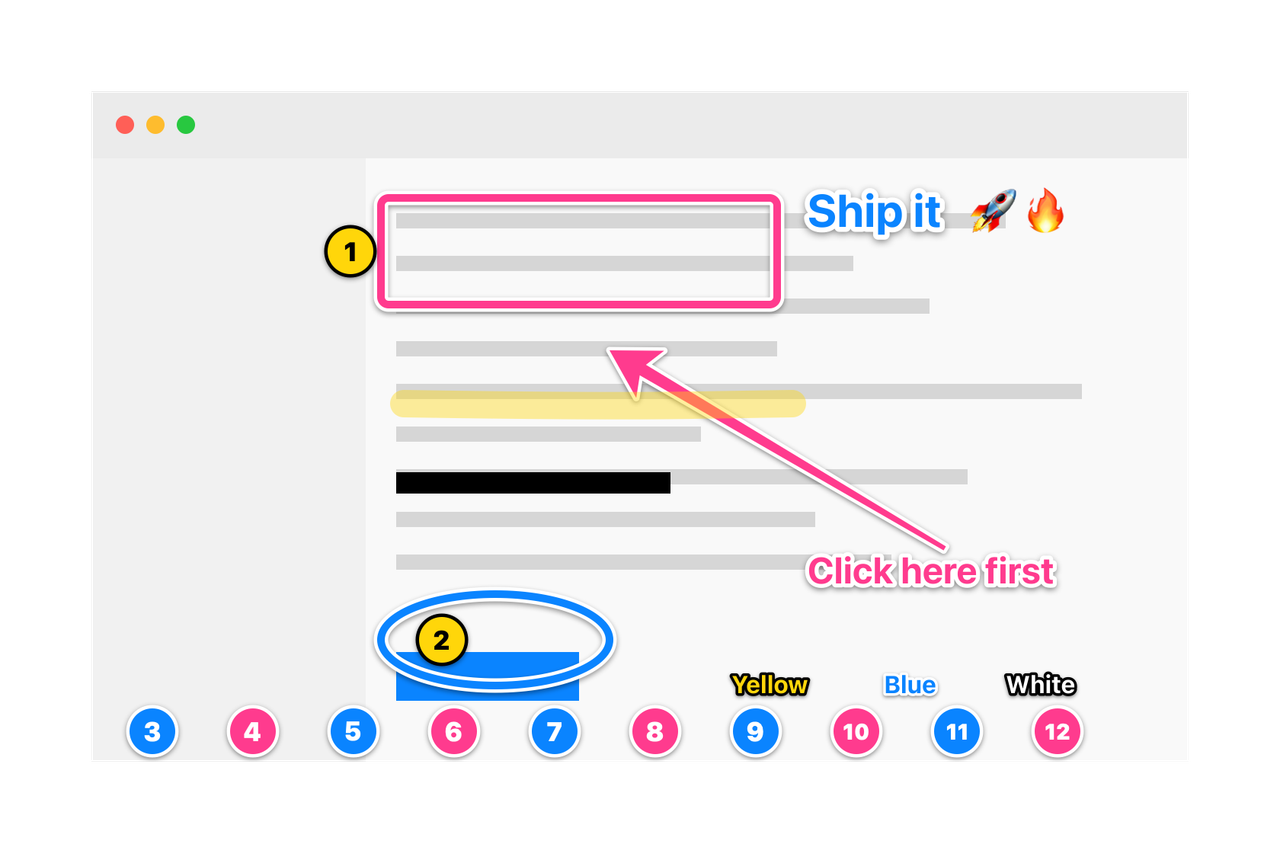
Annotate screenshots with arrows, boxes, ovals, outlined text, numbered steps and real redaction, then wrap them in a pearl frame.
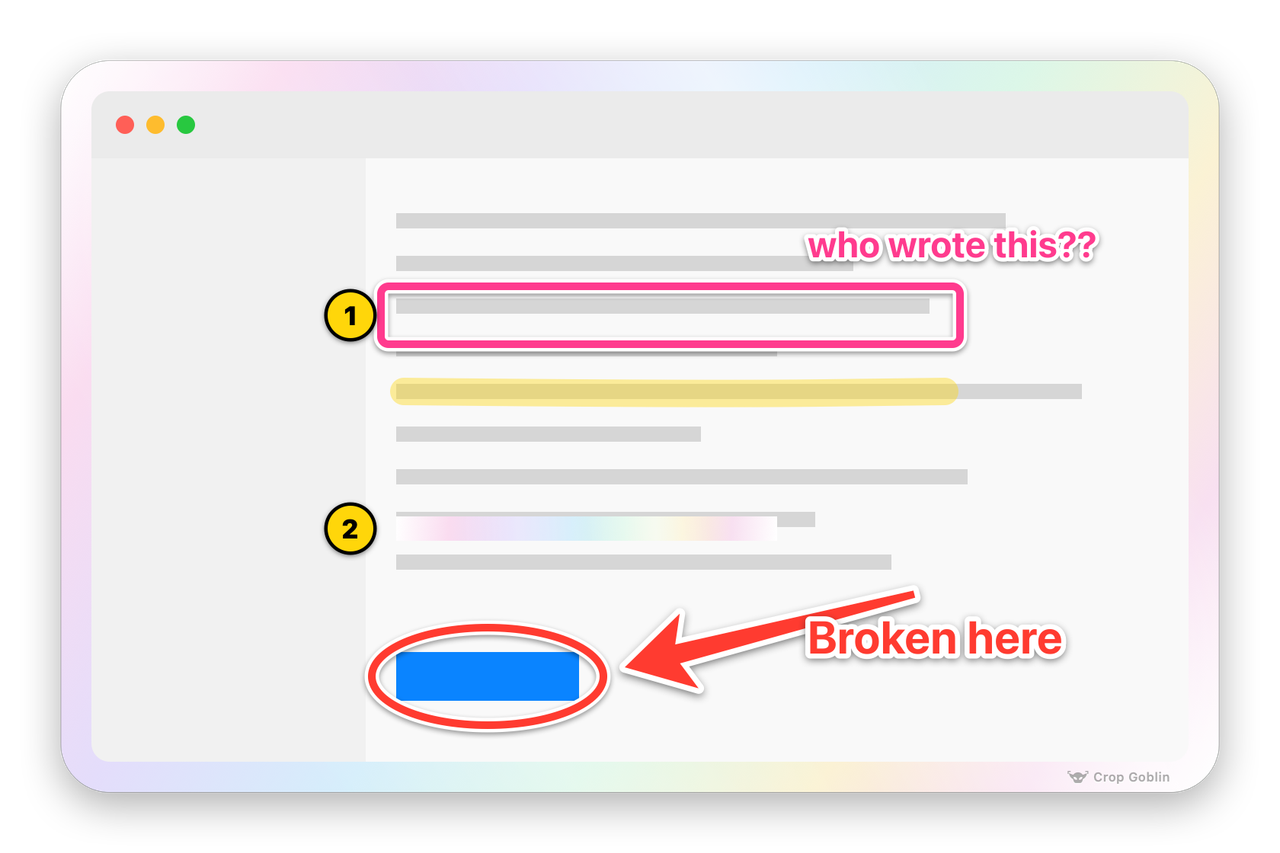
Export any screenshot as a looping GIF or video where light sweeps across the holographic frame, like a foil trading card. Paste one in Slack and watch people lose it.


Rendered per pixel on your Mac's GPU. Works with every frame, including the free Pearl one. The tilt is just this website showing off: your exports stay flat, and only the light moves.
Screenshot annotation tools for macOS: arrow, rectangle, oval, text, numbered steps, highlighter, redaction, crop and emoji. Each has a one-key shortcut.
Thick, tapered and impossible to miss.
Box the bit that matters. Corners match the frame.
For circling things accusingly.
Bold, outlined and shadowed, so it reads on anything.
Delete step 2 and the rest renumber themselves.
A proper marker swipe, not a yellow rectangle.
Real opaque pixels, not a blur someone can undo.
Crop after you capture. Return applies, Esc cancels.
Type a colon in any text box to search.
Every capture comes in a frame. Pearl is free; Pro unlocks Black Pearl, Green Goblin, Rose, Sky, and turning the frame off.
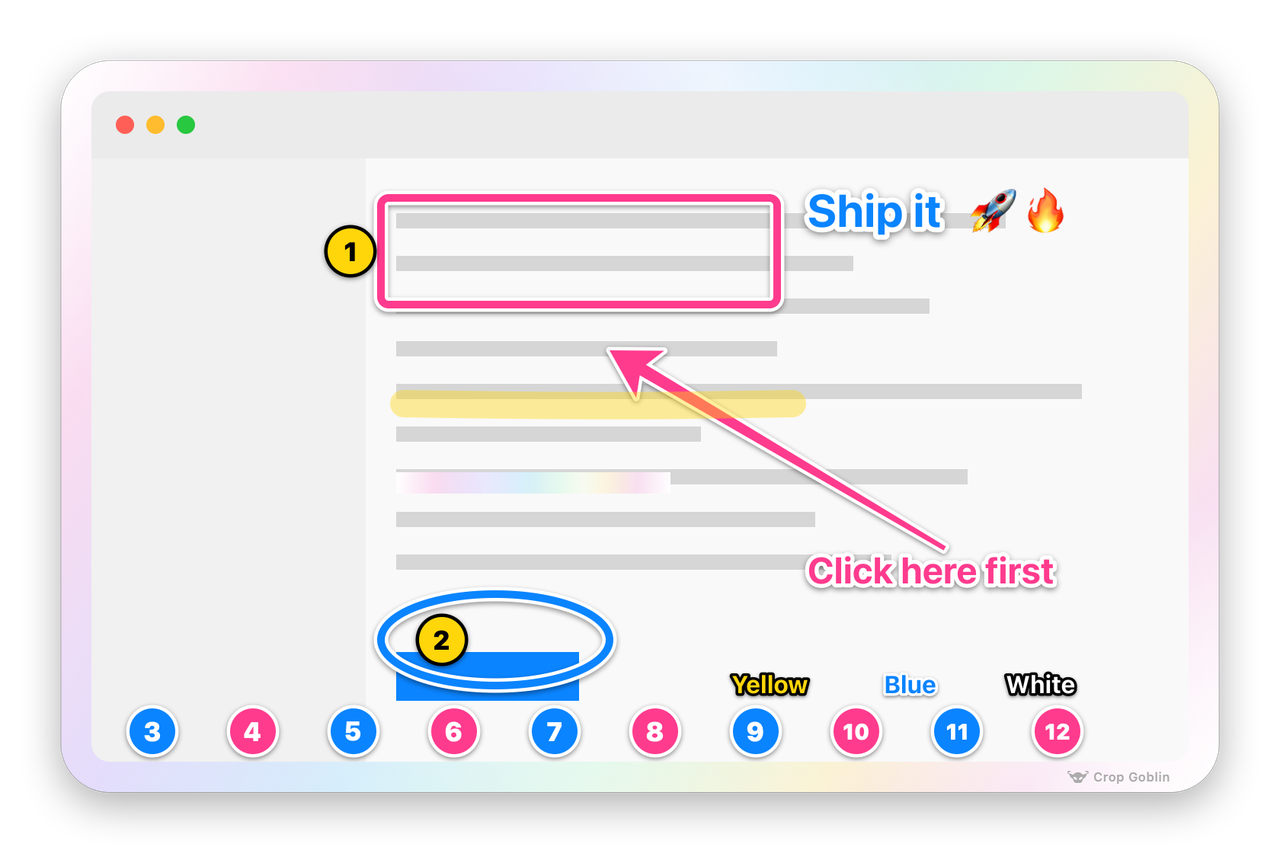
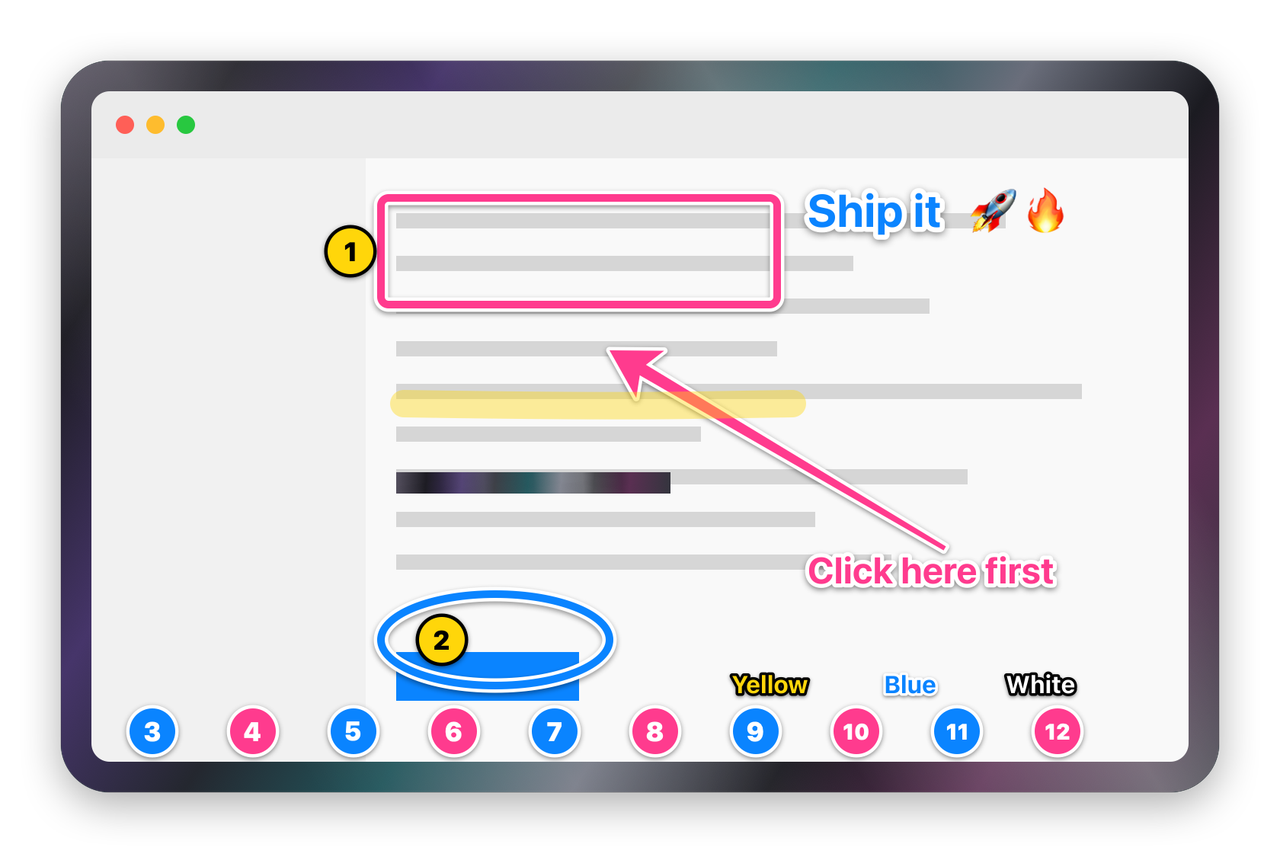
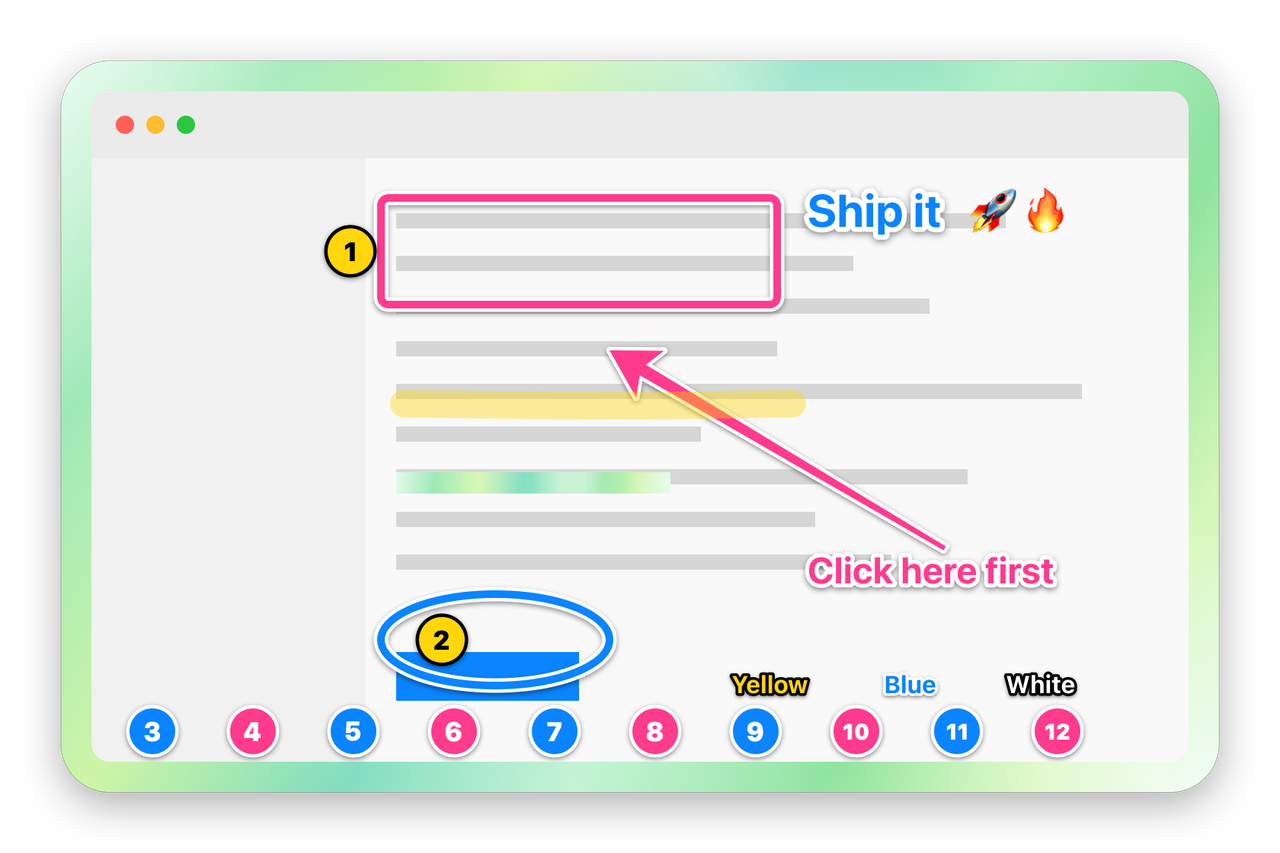
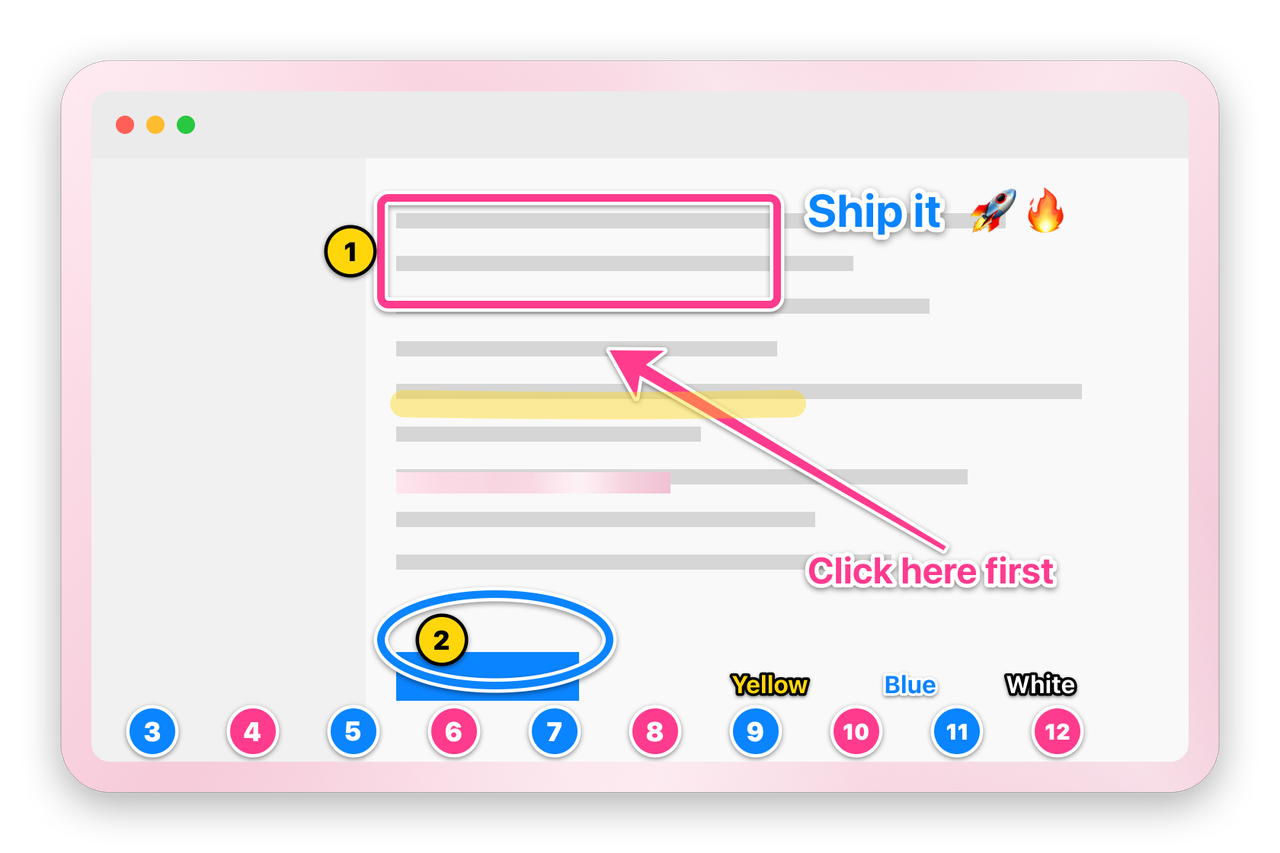
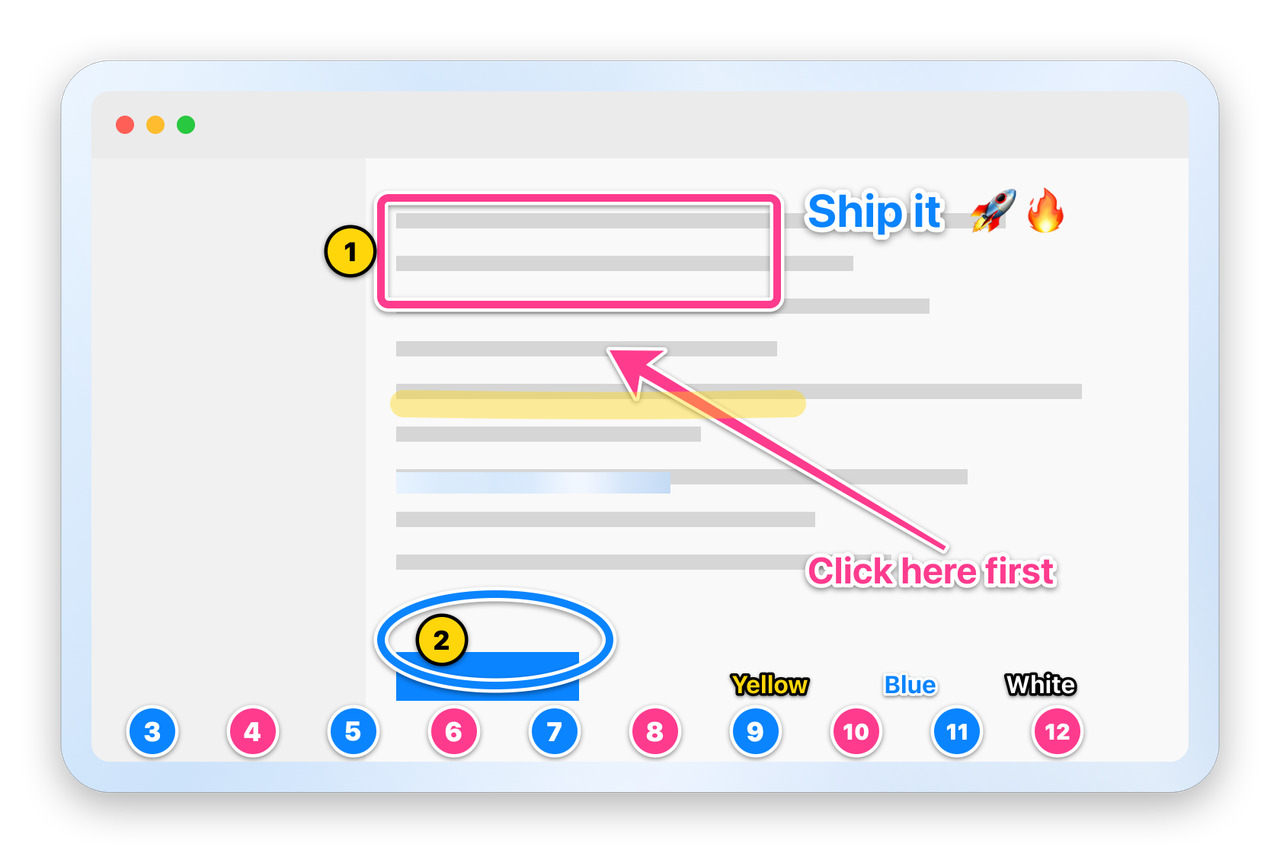
Crop Goblin is free with every tool. Pro is a one-time $9.99 in-app purchase with Family Sharing. There is no subscription.
$0 forever
$9.99 once
The goblin collects shiny things, not your data. Your screenshots stay on your Mac and go only where you put them.
Answers about price, permissions, privacy and Macs.
Soon. Crop Goblin is waiting on App Store review. Join the waitlist and the goblin emails you once, on launch day, and then forgets your address.
Yes. Every tool, Shiny GIF and video exports, copy, save and drag are free, forever. Free captures wear the Pearl frame with a small engraved Crop Goblin wordmark in the frame's bottom edge, never over your screenshot.
The other frames (Black Pearl, Green Goblin, Rose and Sky), turning the frame off entirely, and no wordmark. Pro is a one-time $9.99 in-app purchase with Family Sharing, so everyone in your family gets it too.
No. Pay once and Pro is yours. No account, no renewal, no monthly fee.
Any Mac running macOS 15 Sequoia or later, Apple silicon or Intel.
macOS requires it for any app that captures the screen. Crop Goblin only reads your screen when you press the capture shortcut or choose Capture from its menu, and captures stay on your Mac.
Crop Goblin is nearly out. Leave your email and the goblin sends exactly one message, on launch day.